

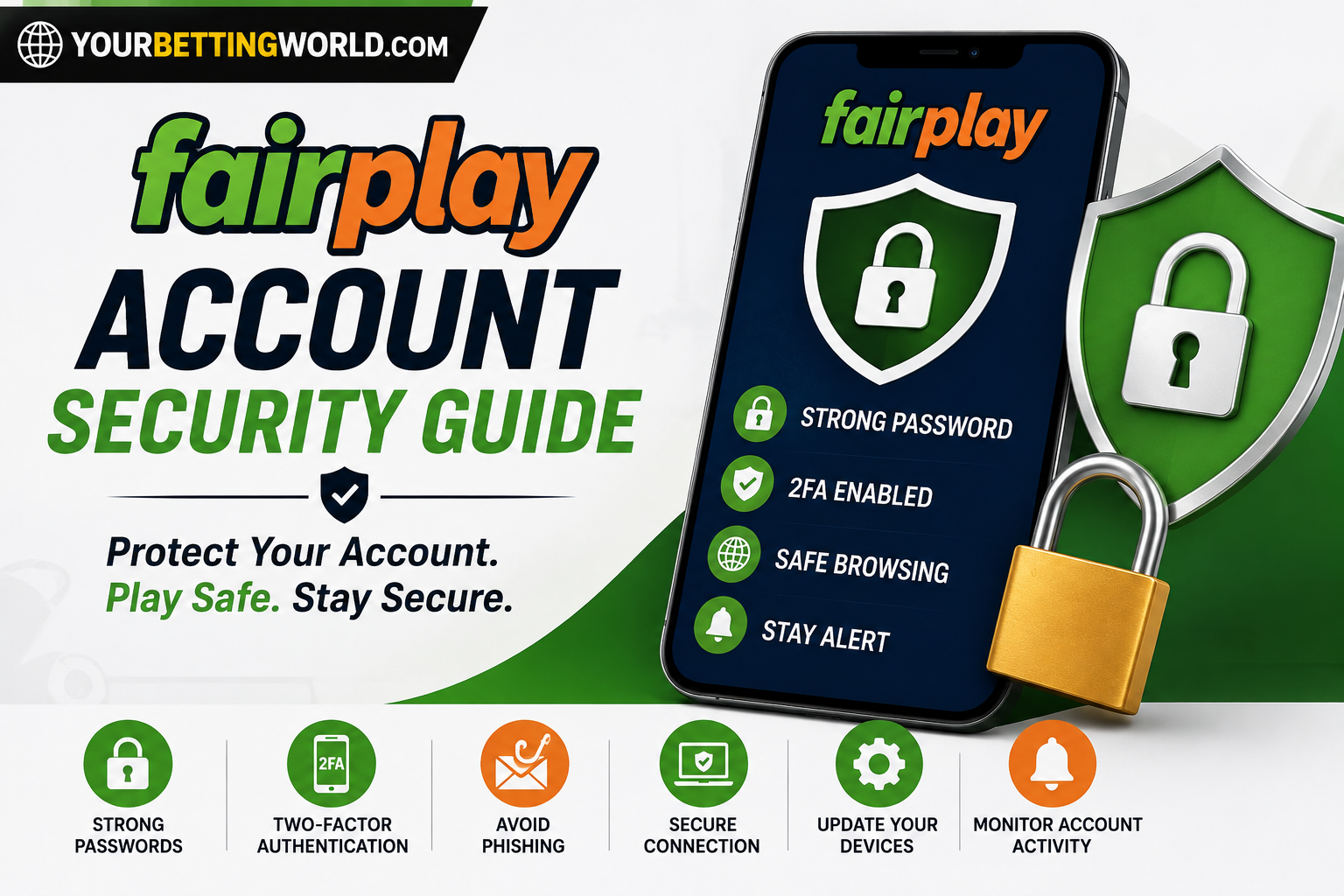
Online account security depends on both platform protections and responsible user behaviour. When accessing Fairplay, users may enter personal information, passwords, and account details that should always remain private. A strong password, a verified website address, and careful browsing habits can significantly reduce the risk of unauthorised access, phishing, and online fraud.
Even experienced users should review their security practices regularly. Scammers continuously change their methods, and a message or website that looks genuine may still be designed to collect sensitive information.
Table of Contents
Common Online Security Risks
Understanding possible threats is the first step towards protecting an account. The most common risks include:
- Weak or reused passwords
- Fake websites and login pages
- Phishing emails or messages
- Unsecured public networks
- Shared login credentials
- Outdated browsers and devices
- Unauthorised third-party applications
- Lost or unattended mobile devices
No online account is completely free from risk. Users should combine several security measures instead of depending on only one precaution.
1. Create a Strong and Unique Password
A password is the first line of protection for your Fairplay ID. Avoid using information that another person could easily guess, such as your name, phone number, birthday, or a simple sequence like “123456.”
A strong password should:
- Be at least 12 characters long
- Include uppercase and lowercase letters
- Contain numbers and special characters
- Be different from passwords used elsewhere
- Avoid common words and predictable patterns
Consider using a trusted password manager to generate and store complex passwords. Never save account credentials in an unsecured note, email draft, or message.
If the same password is used across several websites, a security incident on one service could expose all the other accounts connected to it.
2. Enable Two-Factor Authentication When Available
Two-factor authentication adds another verification step after the password. This additional layer can help prevent access when someone has obtained the login credentials.
Depending on the available security options, verification may involve:
- A one-time code sent to a registered number
- An authenticator application
- A security prompt on a trusted device
- A recovery code
If two-factor authentication is offered for Fairplay login, enable it and store any recovery codes securely. Never share a one-time password or verification code with another person, including someone claiming to represent customer support.
3. Confirm the Website Address Before Signing In
Scammers sometimes create fake websites that closely resemble legitimate login pages. Their purpose is to collect usernames, passwords, verification codes, or payment information.
Before entering account details on Fairplay com, check:
- Whether the domain name is spelled correctly
- Whether the connection uses HTTPS
- Whether the browser shows a valid security indicator
- Whether the page was opened from a trusted source
- Whether the design or language appears unusual
HTTPS helps protect the connection, but it does not prove that every website is trustworthy. A fraudulent website can also use HTTPS, so the full address must still be examined.
Saving the correct page as a browser bookmark can reduce the need to rely on links from messages or search results.
4. Recognise Phishing Attempts
Phishing messages often attempt to create urgency. They may claim that an account will be suspended, a large reward is waiting, or immediate verification is required.
Warning signs include:
- Unexpected requests for passwords or codes
- Offers that appear unrealistically generous
- Poor spelling or unusual formatting
- Links that do not match the stated destination
- Messages demanding immediate action
- Attachments from unknown senders
- Requests to install unfamiliar applications
- Claims that payment is needed to unlock an account
Do not reply to suspicious messages or select their links. Open the official website independently and contact verified support if you need to confirm whether a message is genuine.
5. Avoid Sensitive Activity on Public Wi-Fi
Public Wi-Fi in cafés, airports, hotels, or shopping centres may not provide the same protection as a trusted personal connection. Some networks may also use names similar to legitimate services to mislead users.
For safer account access:
- Prefer mobile data or a trusted private network.
- Avoid entering passwords on an unknown connection.
- Do not make sensitive account changes on public Wi-Fi.
- Disable automatic connection to open networks.
- Forget the public network after finishing.
- Never ignore browser security warnings.
If access is necessary while travelling, wait for a secure connection whenever possible. A VPN can protect some network traffic, but it cannot make a fake website trustworthy or prevent every type of scam.
6. Keep Your Device and Browser Updated
Account protection also depends on the security of the device. Outdated software may contain vulnerabilities that have already been corrected in newer versions.
Protect your phone or computer by:
- Installing operating-system updates
- Using a current browser version
- Updating security applications
- Removing software you no longer use
- Downloading applications only from trusted sources
- Avoiding unknown browser extensions
- Scanning suspicious downloaded files
- Enabling a screen lock
Users accessing Fairplay in should avoid modified applications or unofficial software that requests unnecessary permissions.
7. Never Share Account Credentials
Login information should remain private. Do not share your username, password, one-time verification code, or recovery details with friends, family members, agents, or people contacting you online.
Legitimate support representatives should not need your complete password. Be suspicious if anyone asks for:
- Your password
- A one-time verification code
- Full payment credentials
- Remote control of your device
- Screenshots containing sensitive information
- Access to your email or messaging applications
If credentials have been shared accidentally, change the password immediately and contact official support.
8. Sign Out on Shared Devices
Remaining signed in on a shared or public device can allow another person to access the account.
After using a device you do not own:
- Sign out completely.
- Close all browser windows.
- Do not save the password.
- Remove downloaded documents.
- Clear relevant browsing data where appropriate.
- Check the account later from a trusted device.
Whenever possible, avoid accessing sensitive accounts on public computers altogether.
9. Review Account Activity Regularly
Regular monitoring can help users detect suspicious activity early. Check the account for:
- Logins from unfamiliar devices
- Unexpected changes to personal details
- Password-reset requests you did not make
- Unrecognised activity
- Changes to the registered phone number or email
- Notifications that do not match your actions
If anything looks unusual, change the password from a trusted device, sign out of other sessions when that option is available, and contact official support.
10. Protect Your Registered Email and Phone
The email address or mobile number connected to an account may be used for password recovery and security verification. If either one is compromised, other accounts can also be placed at risk.
Use a separate, strong password for your email account and enable two-factor authentication. Protect your phone with a screen lock, and contact your mobile provider immediately if the SIM card is unexpectedly deactivated or the device is lost.
11. Be Careful with Screen Sharing and Remote-Access Apps
Fraudsters may ask users to install screen-sharing or remote-control software under the pretence of solving a technical problem. Once access is granted, the person may be able to view sensitive information or control the device.
Never allow an unknown individual to:
- View your screen during login
- Control your phone or computer remotely
- Open your banking or payment applications
- Read verification messages
- Change account security settings
Official support should be contacted only through verified channels listed on the correct website.
What to Do If You Notice Suspicious Activity
Act quickly if you believe the account or device has been compromised:
- Stop entering information on the suspicious page.
- Disconnect from an unknown network.
- Change the password from a trusted device.
- Update the password of the associated email account.
- Enable two-factor authentication if available.
- Review recent account activity.
- Scan the device for unwanted software.
- Contact official support through a verified channel.
- Keep screenshots and relevant message details as evidence.
Do not continue communicating with a suspected scammer, and never send additional money to someone promising to recover lost funds or restore an account.
Conclusion
Safer access starts with simple but consistent habits. Fairplay users should create unique passwords, verify the official website address, avoid suspicious links, keep devices updated, and protect all verification codes.
Security is an ongoing responsibility rather than a one-time setup. Regularly review account activity, update compromised credentials immediately, and contact official support when something appears unusual. These precautions cannot eliminate every online risk, but they can substantially reduce the chance of phishing, account theft, and unauthorised access.
